
Find Your CPR Card or Certificate
Choose the organization that issued your certification to view, download, or share your card.
AHA eCards
Claim a new eCard or retrieve a certification you have already claimed.

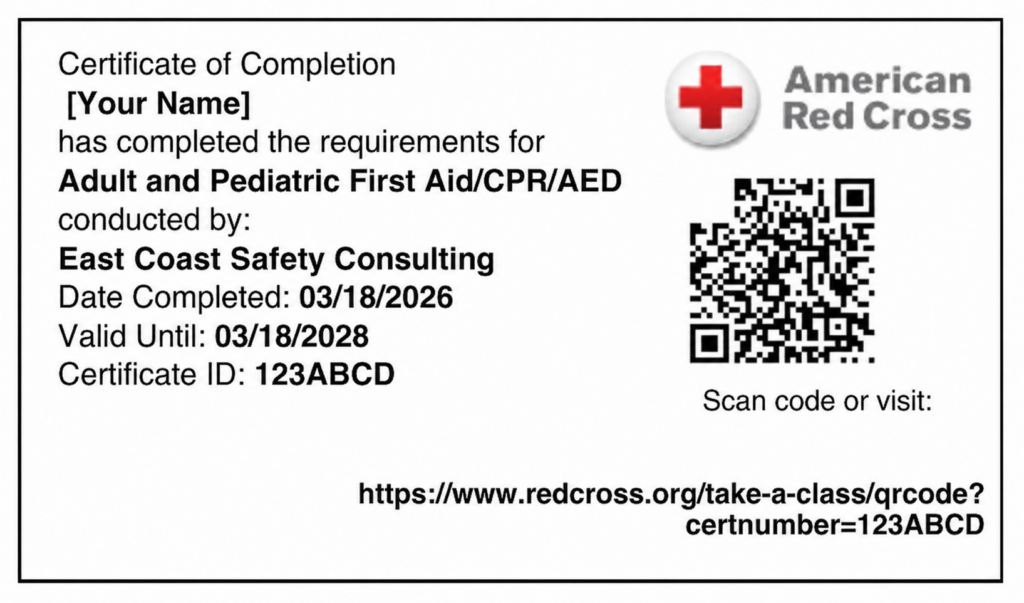
Red Cross Certificates
Look up your digital certificate to view, download, print, or share it.
Before you begin: Use the name and email address you provided for your class. Your course must be processed before your certification appears.
Three ways to claim your AHA eCard
Choose the option that works for you, then follow AHA’s prompts to finish claiming your certification.
Use your email
- Find the invitation from eCards@heart.org. Check your junk folder, too.
- Open the link and confirm your details.
- Complete the account prompts and course survey to access your card.
No invitation? Try the eCard search instead.
Search online
- Open AHA’s eCard search and choose Student.
- Search using your name and email, or your eCard code.
- Select your unclaimed card and follow the instructions.
Claim by text
Text eCard to 51736 and follow the reply.
This option works only if your instructor or Training Center entered your mobile number when issuing your eCard.
How to view your Red Cross certificate
Find your certificate online
- Open the Red Cross certificate lookup.
- Search by email address, name and course completion date, or certificate ID.
- Select Find, then open your certificate to view, print, download, or share it.
Use the email address you provided when you took the class.
Use your Learning Center account
Sign in to the Red Cross Learning Center. Choose My Certifications, then Link to the Certificate.
Just finished class? Red Cross advises allowing 12 hours after the course is submitted before searching. If your certificate is still missing, contact our team.
Already claimed your AHA eCard?
Search again, answer your security question, and open My eCards. Choose a full-size or wallet copy to download, or use Email Cards to share it.
View My eCards →AHA employer verification
Choose the Employer tab on AHA’s search page. Enter up to 20 eCard codes and select Verify. Students must claim their cards first.
Verify an AHA eCard →Need a hand?
My eCard is not showing up.
Try the email address you used for class registration, including any alternate address. If you still cannot locate your card, contact us with your name, course, and class date.
My name or email address is incorrect.
Contact our team so we can help coordinate the correction with the issuing Training Center.
I am not sure which organization issued my certificate.
Check your registration confirmation or course email for American Heart Association or American Red Cross. If you are unsure, contact us with your course name and class date.
For detailed instructions, visit AHA’s official eCard help page. eCard lookup and claiming take place on AHA’s website.
We’re here to help.
Include your full name, class date, course name, and the email address used when registering.